Several years ago, I bought my first Eufy (Anker) camera and was immediately won over. Before that, I used Wyze cameras. They were cheap, but a lot of the features I wanted required a paid subscription. Wyze also had stability issues, and the picture wasn’t as clear as newer cameras. The Eufy cameras cost a bit more but didn’t require any ongoing subscription. Their night vision was very impressive, and it has only gotten better. With that in mind, I recently decided to go all in on Eufy’s PoE NVR Security System S4 Max for my home.
The Easy Part
The kit came with four cameras, each combining a fixed wide-angle camera and a PTZ camera in one housing. The NVR has its own built-in PoE switch to power the cameras and communicate with them. I believe this architecture is meant to segregate the cameras from the rest of the network and protect them.
Once I’d paid an electrician to run the cabling and mount the cameras on the eaves, setup was easy. Adding the NVR to the app was quick and painless. Each camera plugged in, powered up, and configured itself automatically. From there, I set up motion detection and the AI features, which did a good job of detecting vehicles, people, and pets. Image quality was excellent, day and night.
I should have stopped there and taken the win.
And Now, the Rant
The NVR can also take wireless cameras from the Eufy line. That lets their footage be stored centrally and gives them the NVR’s local AI capabilities. I have three existing wireless cameras: my doorbell, a floodlight, and an indoor camera I use to watch the dogs. Setting up the dog camera went smoothly. The doorbell, it turned out, was too old to connect to the NVR. That left the floodlight, a Floodlight Camera E340. Like the S4 cameras, the E340 is a PTZ camera.
It should have been as simple as the dog camera. It was not.
Wireless cameras connect through a separate Eufy Wi-Fi Module that plugs into the NVR via USB-C. The module creates its own wireless network just for the cameras. My first attempt to connect the E340 failed and left the camera talking to neither the NVR nor my regular Wi-Fi. Flipping the breaker to reboot it didn’t change anything. I gave up for the night, knowing the next attempt would involve a ladder and the reset button.
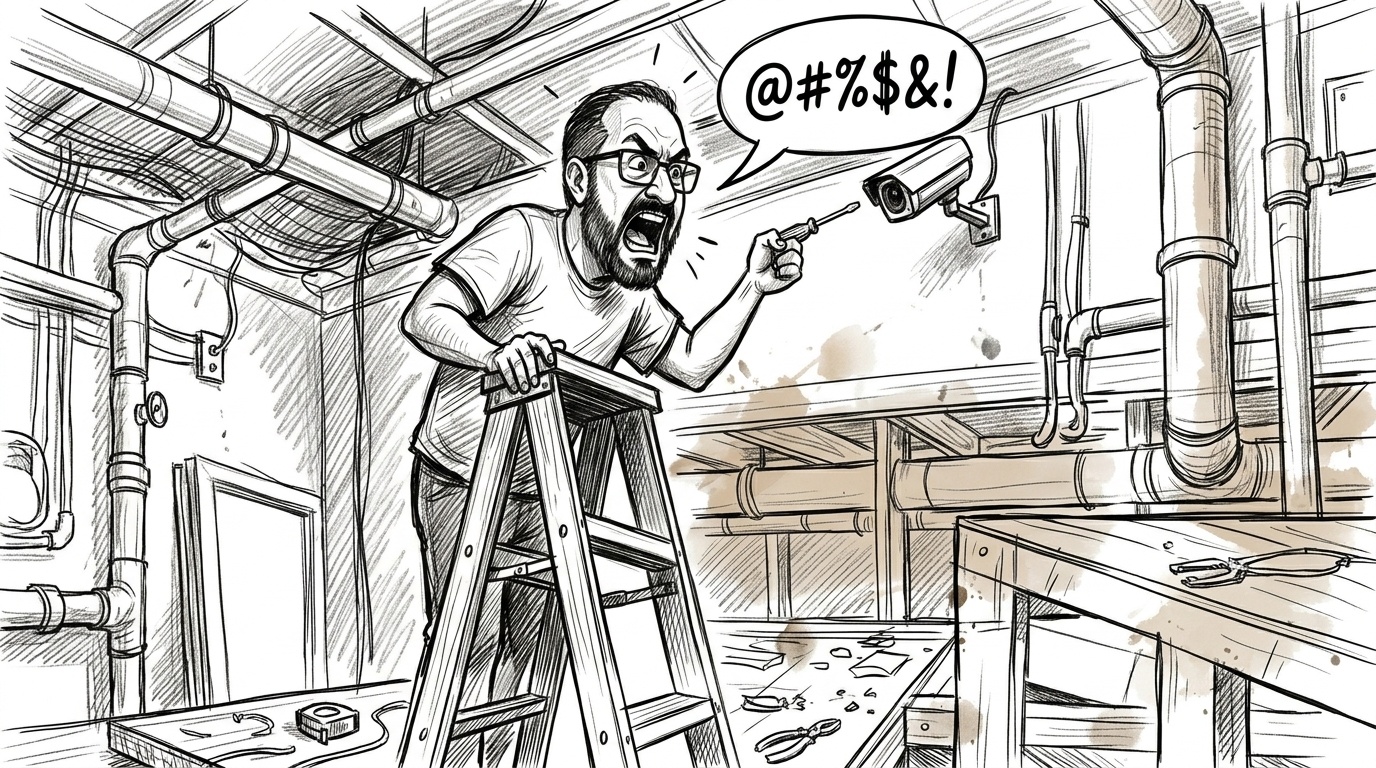
On my second attempt, I hauled out the ladder, found the reset button, and reset the camera. Then I had to re-add it to the app over Wi-Fi. This is where it got really fun. The QR code you need to register the camera is on the back of the camera. Try as I might, I couldn’t get my iPhone to focus on it. This led to a lot of cussing and a bunch of random videos of the sky, the ground, and everything else besides the darn QR code. My wife finally had the genius idea to use a mirror. So picture me standing on a ladder with a hand mirror and a phone. It was awkward, but I finally got a clear shot of the QR code. The app still wouldn’t read it, but I was able to send the photo to my wife’s phone and have the app scan it off her screen.
At this point, I thought I was in better shape. The camera was back on Wi-Fi, and the app could see it again. Time to stick my finger back in the light socket and try the NVR again. Once again, the connection failed and left the camera offline. Thankfully, this time the reset button was enough to get it back online. I went through that cycle three times before I decided to check the signal strength.
Using inSSIDer from Oscium, I found the hidden 2.4 GHz network the NVR was using. The signal was great, around -50 dBm. Even with a good signal, every troubleshooting guide I found said to get the NVR and camera within twenty feet of each other for the initial pairing.
Reluctantly, I pulled the NVR off the wall (my 3D-printed brackets wouldn’t let it slide out without removing two of them) and moved it closer to the camera. It still wouldn’t connect.
The Fix: Client Steering
After more cussing and more fruitless resets, I did some digging online. An old Reddit thread recommended turning off 5 GHz on your main router. I looked through my Eero settings, and there’s no way to turn off 5 GHz permanently. The closest thing is a 10-minute pause buried under Troubleshooting. What I did notice was that client steering was turned on.
That turned out to be the key. One difference between the E340 and the dog camera is that the E340 is dual-band and can connect on either 2.4 GHz or 5 GHz. Once I turned off client steering, the E340 connected on 2.4 GHz instead of 5 GHz. The next time I tried to connect it to the NVR, it worked flawlessly.
If you’re fighting a dual-band Eufy camera that won’t join the NVR, check whether your router is steering it to 5 GHz before you get out the ladder.
Jargon Box
PTZ: Pan-tilt-zoom. A camera that can swivel and zoom remotely.
dBm: Signal strength in decibels relative to one milliwatt. Closer to zero is stronger, so -50 dBm is a strong signal.
Client steering: Eero’s version of band steering. If a device has been seen on both 2.4 GHz and 5 GHz, Eero tries to steer it to 5 GHz. It’s on by default and lives under Settings > Advanced networking.
Suggestions for Eufy
Simplify wireless onboarding. The way the NVR connects to wireless cameras is needlessly complicated. The NVR is already on my network, so the cameras should be able to reach it without an extra Wi-Fi module. The fact that you can switch the cameras to your regular network after they’re onboarded just proves the point. I understand the decision to keep the cameras secure behind the NVR, but it made the process harder than it needed to be.
Instead of a separate wireless network, why not use Eufy’s cloud service as a broker between the NVR and the camera? Encryption and other security features could be set up through that channel.
Make the cameras more resilient. Surely there’s enough memory in the camera to hold more than one network profile. If the new one fails, the camera should automatically fall back to the last known good configuration. Thankfully, my camera is only nine feet up. If it had been mounted on a second story, I would have had to hire someone to come out and help, probably at $350 an hour. That would have been one costly troubleshooting session.
Provide better diagnostics. The app should show the signal strength the camera is seeing. It should also give more detail about what’s happening while the “connecting” screen sits and churns. Can the camera even see the NVR’s hidden SSID or not?
Final Thoughts
All in all, I’m still pleased with my Eufy gear, and I’ll probably upgrade the doorbell soon to bring it into the fold with the rest of the equipment. But this is a good example of why product testing needs to happen in real-world conditions, not in a lab. I’m sure this was all tested on a clean, 2.4 GHz-only network, where it worked flawlessly every time.